Case Study
Building and releasing a Chrome extension
I liked how Opera handled bookmarks. Chrome didn't offer the same experience, so I built it myself.
After switching from Opera to Chrome, I missed being able to recognize saved pages by their visual previews. Chrome worked well with my tools and the teams I worked with, but its list-based bookmark manager made browsing saved content less intuitive for me.
I designed and developed Gridmarks to bring that visual experience to Chrome while keeping the layout, folder hierarchy, and interactions people already knew.
Check it out in the Chrome Web Store ↗
A familiar foundation for a more visual experience
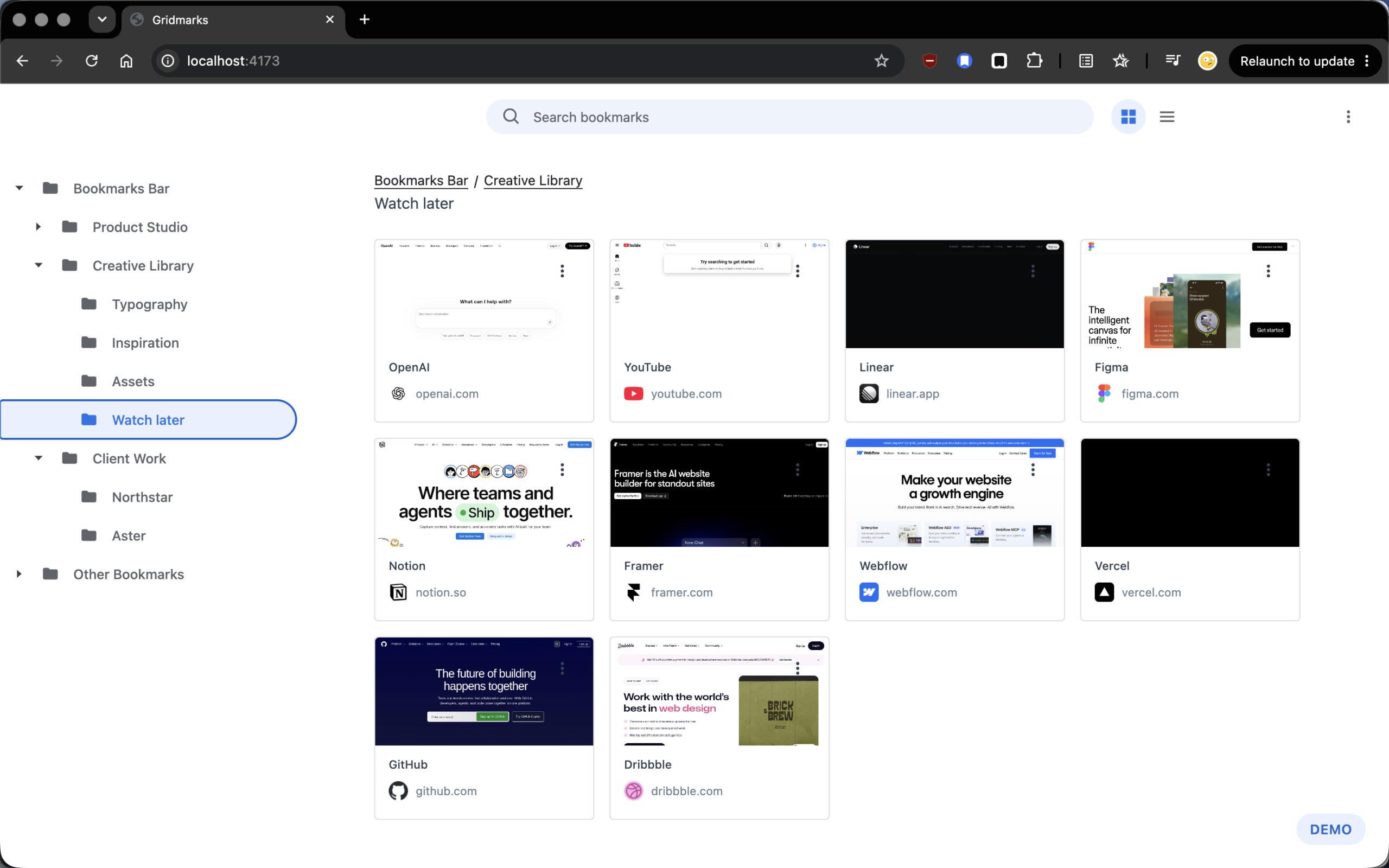
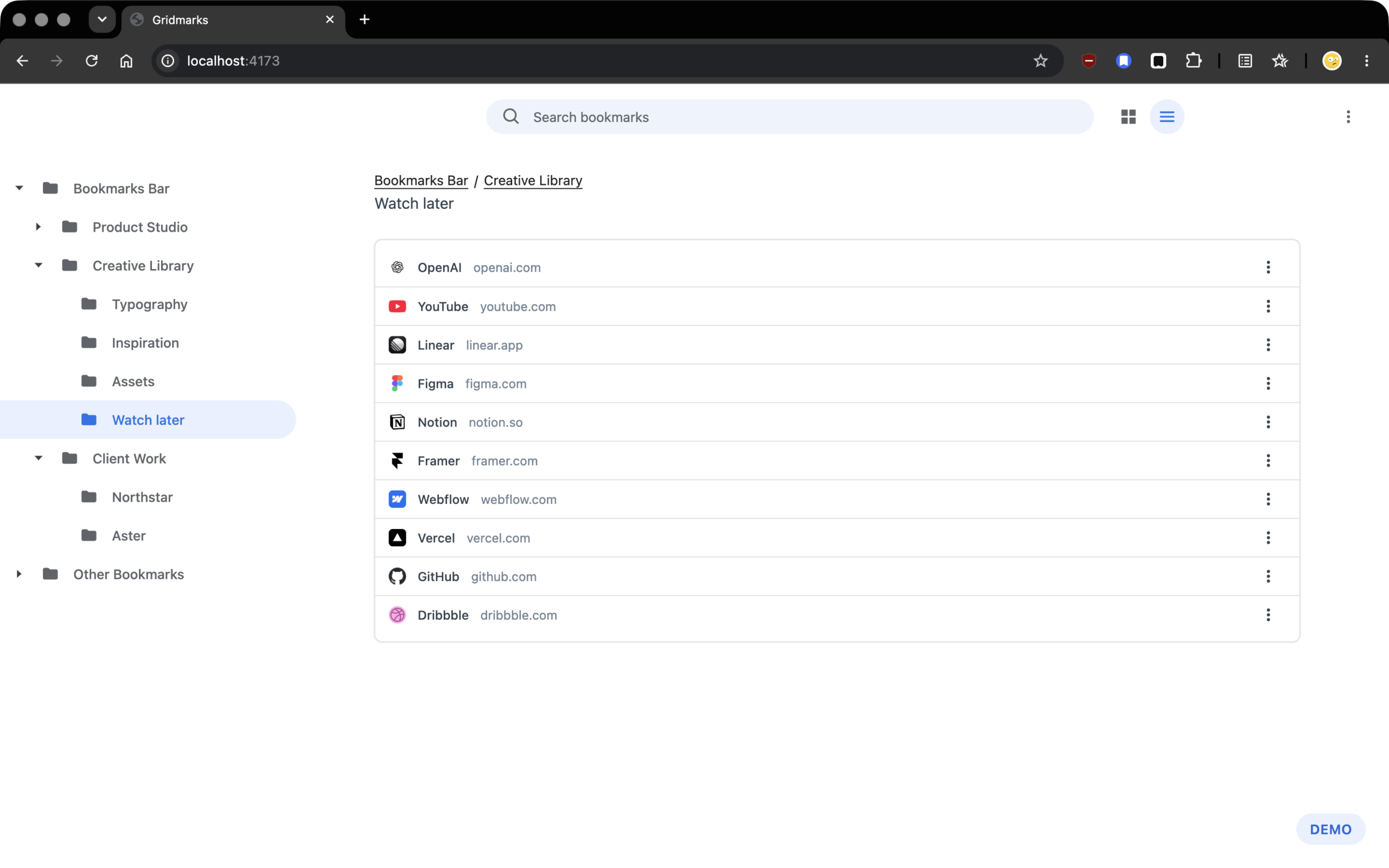
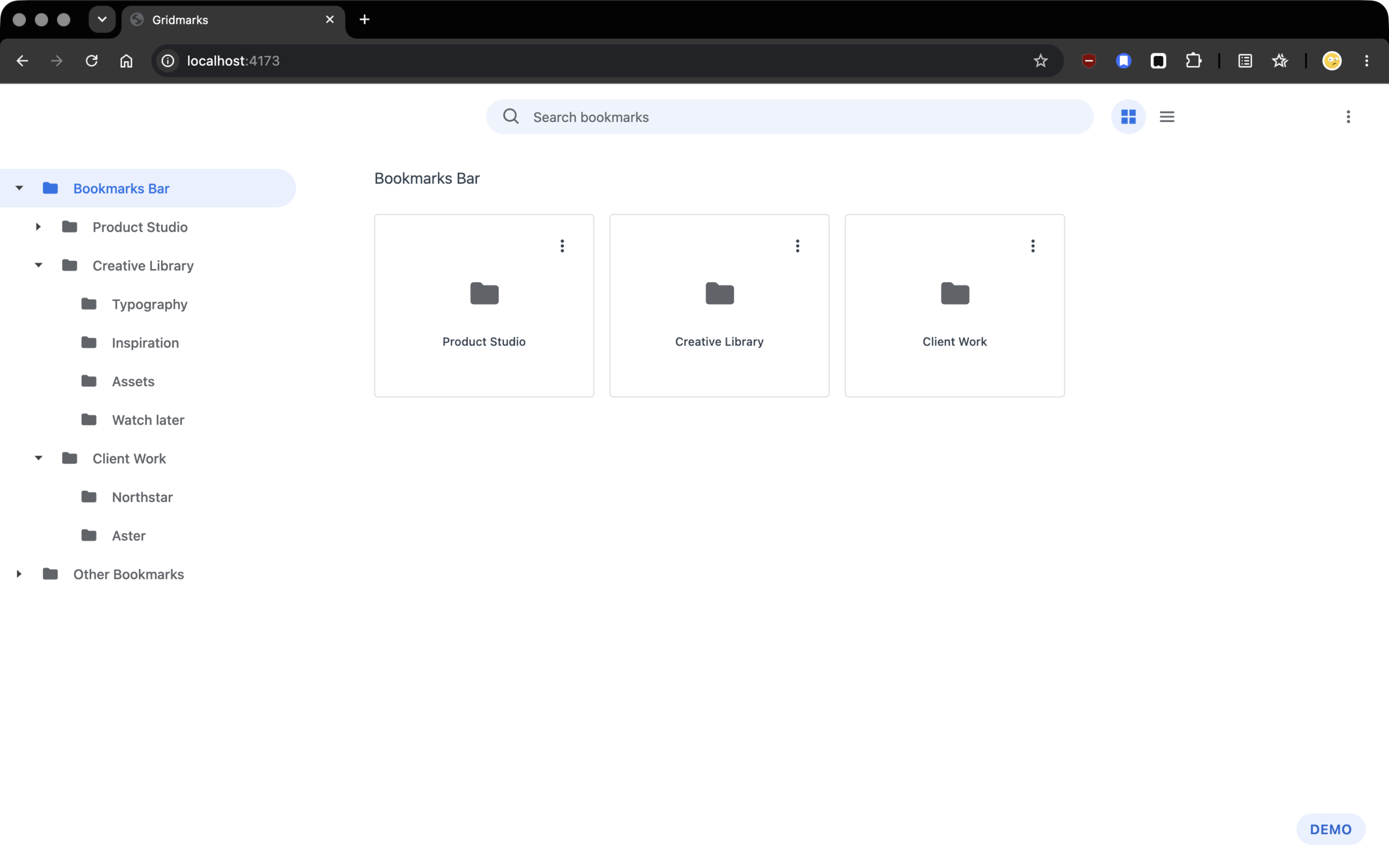
I wanted Gridmarks to feel like an extension of Chrome’s Bookmarks Manager.
So I preserved its structure and adhered to “Material Design” principles while improving specific interactions to prevent users having to learn a different organizational model.
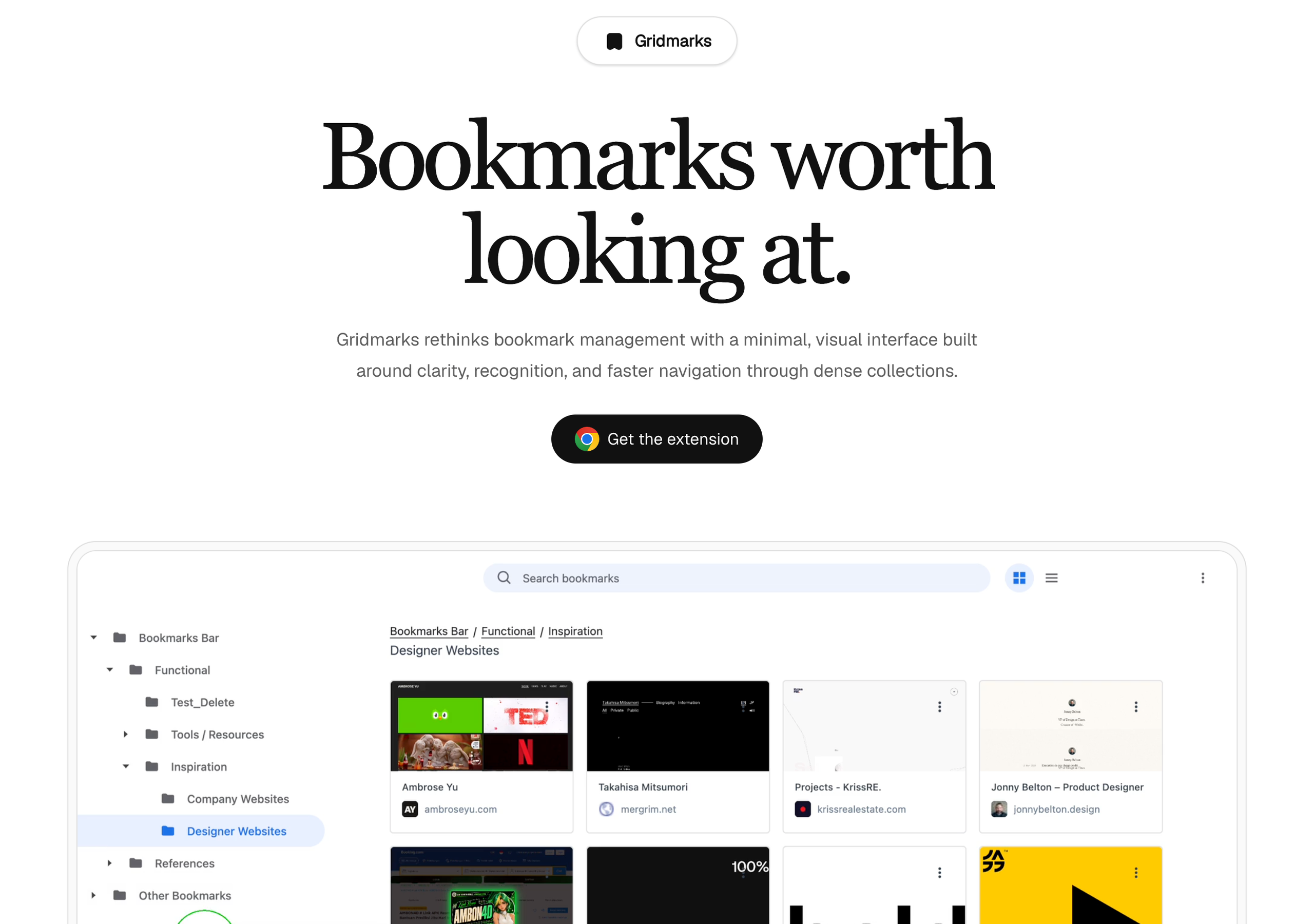
The main change was a card view with snapshots of bookmarked pages. Titles and favicons are useful, but previews give people a better way to recognize saved content. (I used a third-party screenshot service to generate those previews.)
Control over what a bookmark captures
Since an automatically generated preview does not always capture the part of a page someone wants to remember. I designed a bookmark-saving popover that lets users capture the current page, crop the screenshot, and choose a destination folder before saving.
A keyboard shortcut opens the popover without leaving the page. The same workflow gives users control over both the bookmark’s location and its visual representation.
I decided on “ALT+D” to mirror chrome’s own keyboard shortcut for creating bookmarks (CMD+D), my logic? the “ALT” key is the next closest key to the “CMD” (Command) key on a traditional keyboard.

Clearer navigation and more predictable movement
I also added breadcrumbs above the collection so users can see the current path and jump directly to a parent folder. A sidebar shows the folder tree, but breadcrumbs provide a clearer sense of location that’s much easier to interpret.
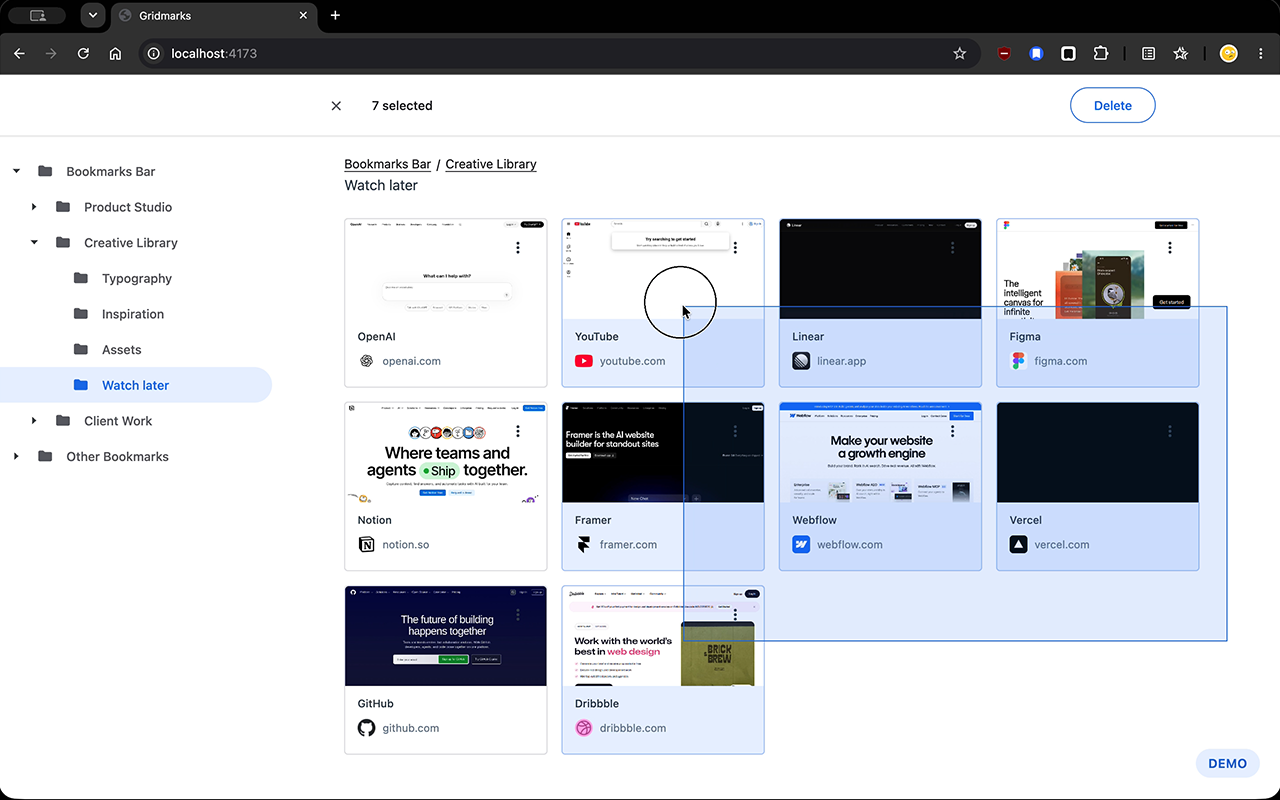
Click-and-drag to make selection makes it possible to select several bookmarks in one gesture. Clearer drop indicators show where an item will land during manual reordering, making the result visible before the user releases it.
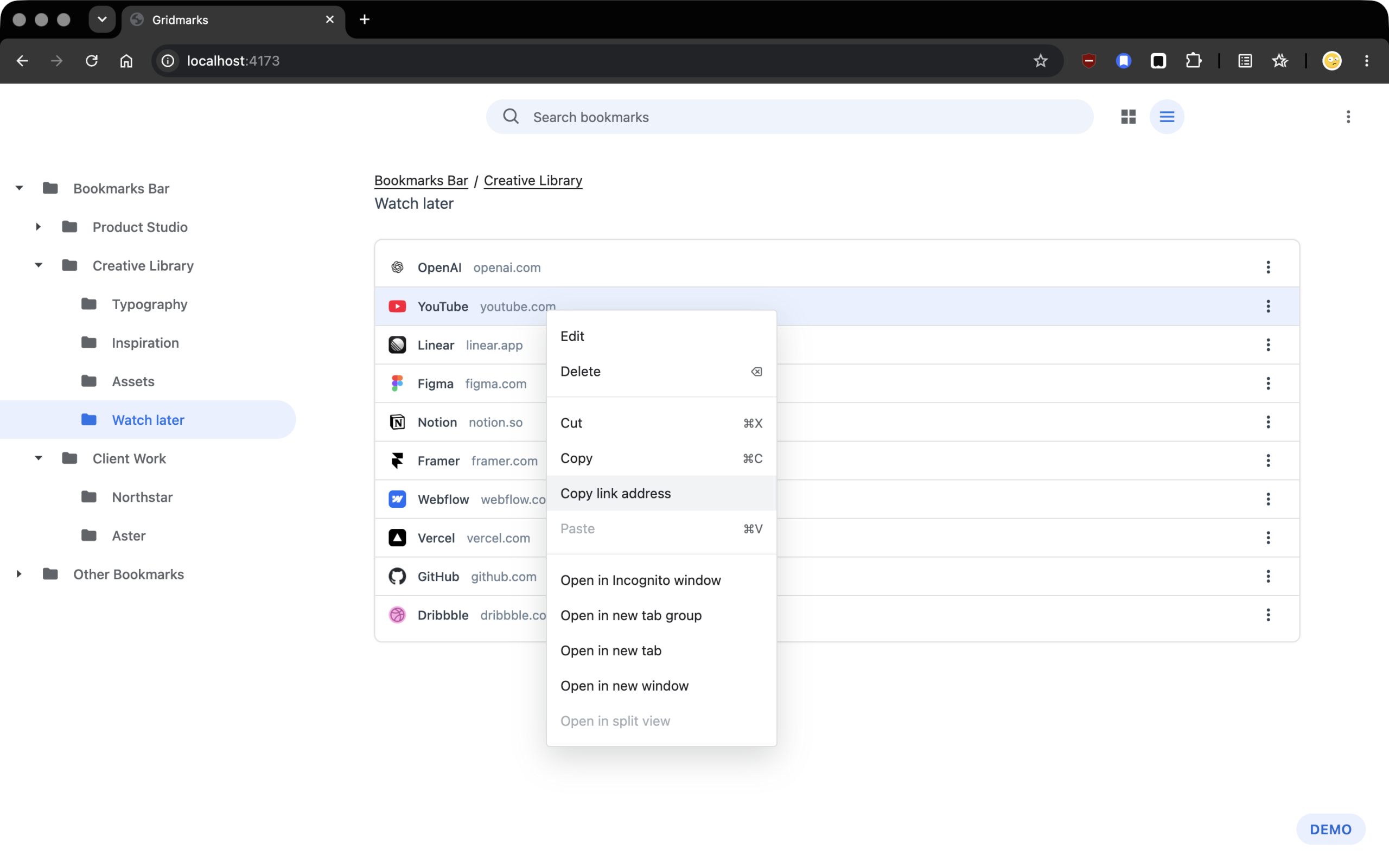
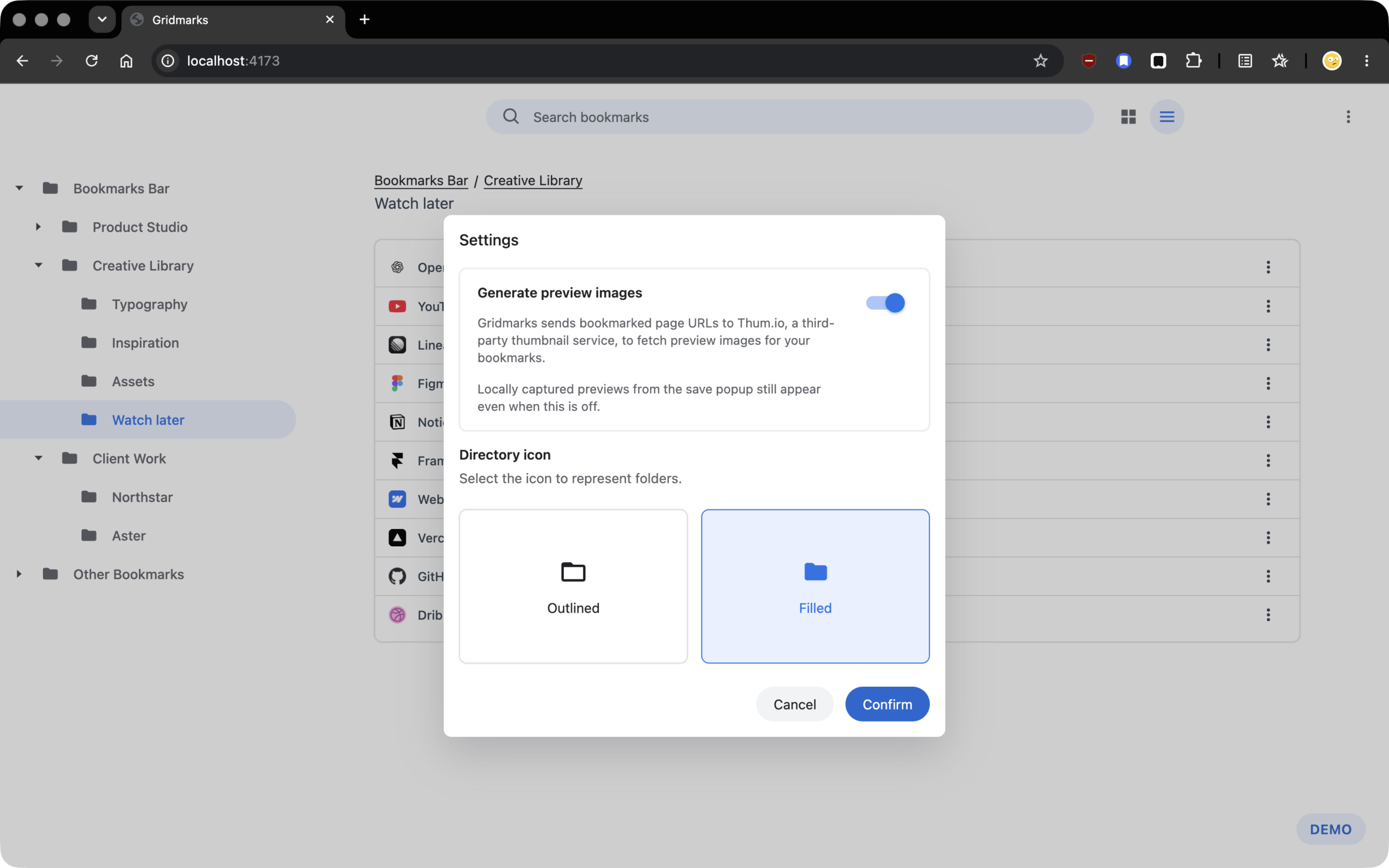
I also added a contextual action for copying a bookmark’s URL directly, alongside sorting options and a choice of filled or outlined folder icons. These smaller refinements give users more control over everyday tasks and the appearance of their library.
Creating a public home for Gridmarks
Releasing Gridmarks required more than publishing the extension to the Chrome Web Store. I also wanted to establish a credible public presence where prospective users could learn about the product and access its privacy policy.
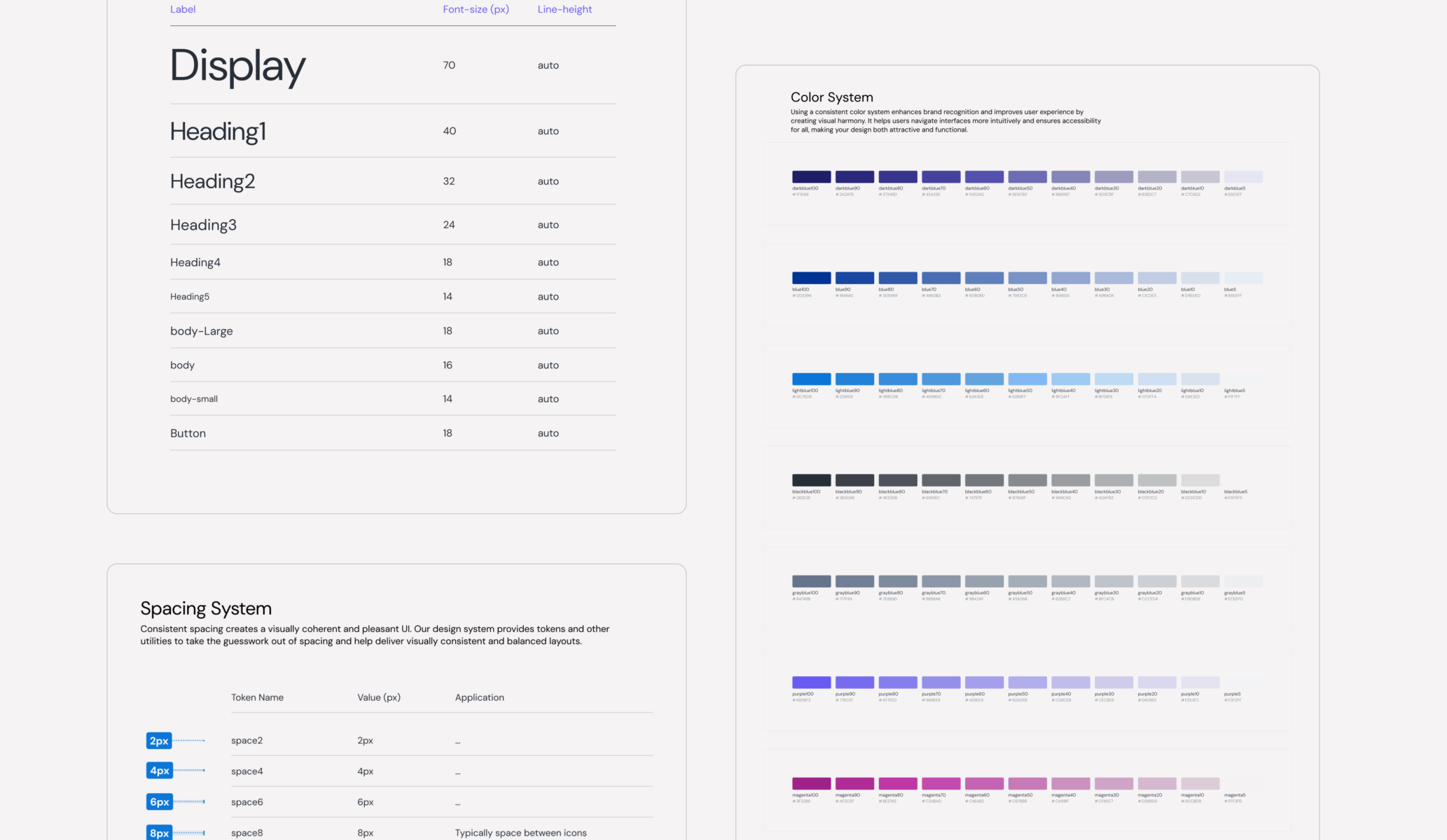
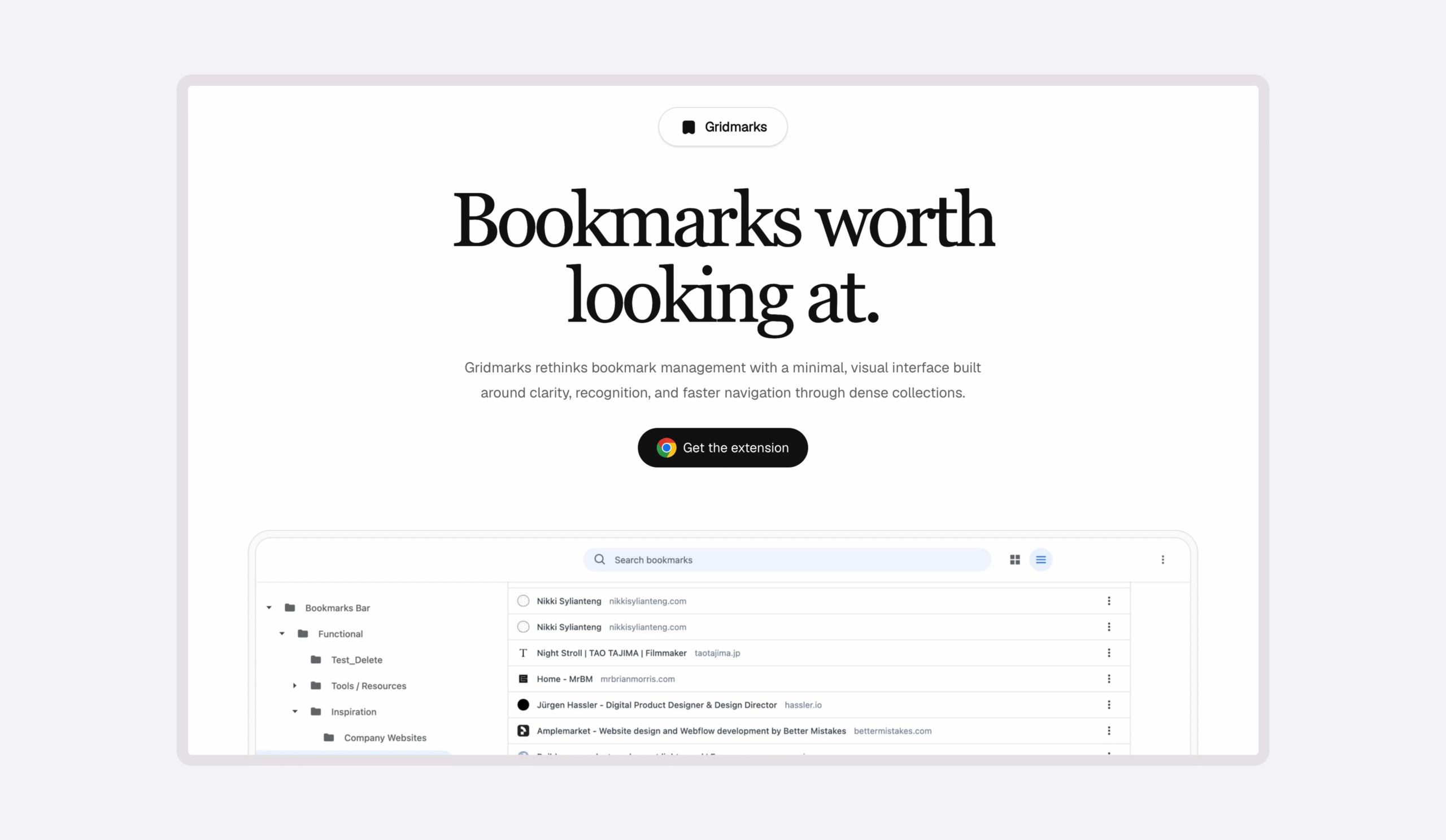
I registered Gridmarks.info and designed and developed a dedicated landing page that introduces the extension, communicates its value, and features a prominent interactive demonstration of how it works.
What began as a practical requirement for hosting the privacy policy became an opportunity to create a more complete product experience, connecting discovery, evaluation, and installation through a cohesive visual identity.
Design and implementation in one feedback loop
I used Figma, Codex, and Chrome extension APIs to take Gridmarks from concept to release in approximately four weeks. I directed implementation, tested interactions, identified defects, and refined the experience throughout development.
Working between design and code let me respond to technical constraints as they emerged. I’d evaluate the extension’s behavior locally and adjust the design directly until interactions were sound.
A released product with early adoption
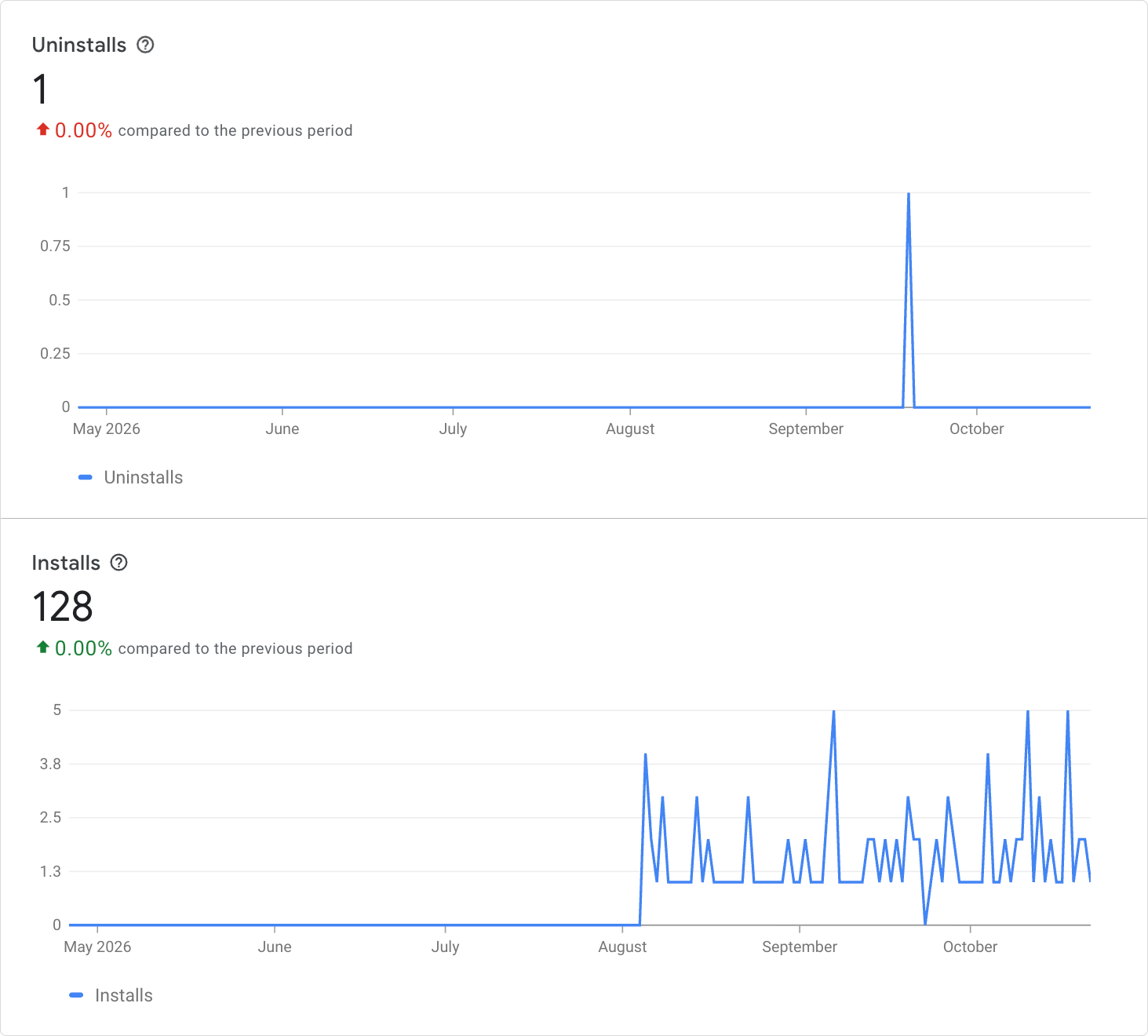
At the time of writing, Gridmarks had recorded 128 installs and one uninstall, with users in the United States, Japan, and India.
I still use “Gridmarks” to manage bookmarks and I’d love for you to try it: Gridmarks